
Prepare
Initial & renewal courses
Give candidates and returning lifeguards practice scanning from a duty station and identifying cues that warrant a response.
Explore EllisXR
Teach scanning and recognition, observe how your lifeguards scan, and turn an immersive scenario into a group learning experience.
See it in action
Watch this overview of the application, recorded aquatic environments and participant setup.
EllisXR: An Immersive Experience
Overview by Link To VR
Practice with purpose
Build immersive practice into the training you already lead, from a candidate’s first course to focused coaching for an experienced lifeguard.
Prepare
Give candidates and returning lifeguards practice scanning from a duty station and identifying cues that warrant a response.
Keep skills active
Use a scenario to discuss how guest activity, changing bather loads and distractions affect where lifeguards focus their attention.
Focus the feedback
Work on a specific skill, such as scanning the full assigned area or recognizing a subtle change in a guest’s behavior.
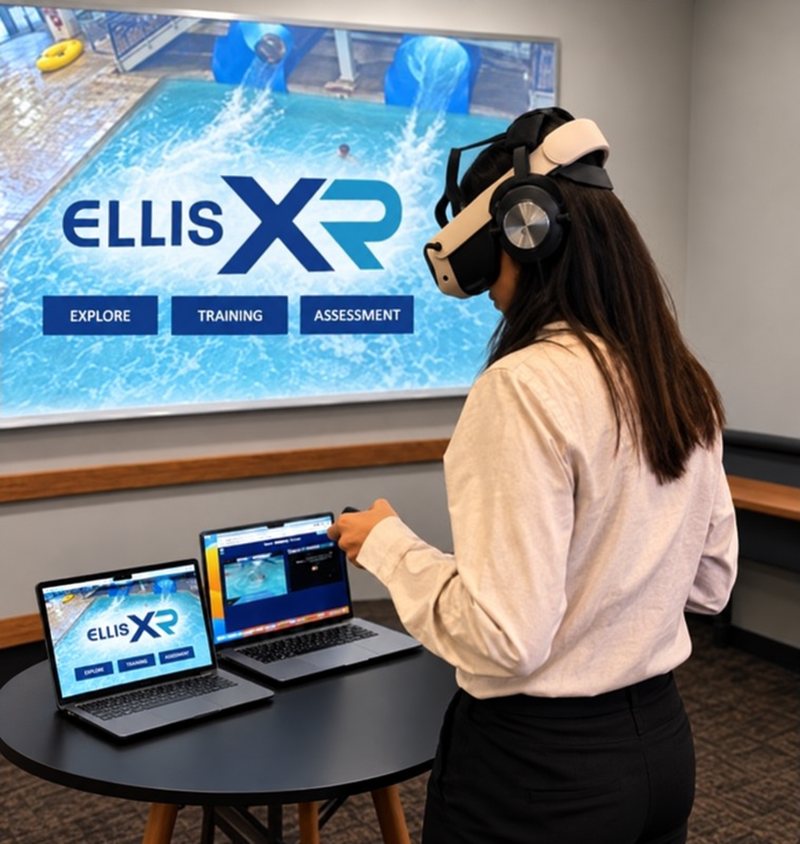
For lifeguard instructors
With simulcasting, one lifeguard wears the headset while you and the rest of the group follow their view on a shared screen.
Use the shared view to teach scanning and recognition. Or let the lifeguard work independently while you observe how they scan and what draws their attention.
Which cues suggested a guest might need help? What prompted the participant to respond? Invite the participant and the group to explain their observations.
Use the discussion to coach the whole group on what to look for and how to apply their existing training.
EllisXR supplements required lifeguard training and certification.
Talk with our team
Connect with EllisXR to discuss your facility, your training program and your interest in EllisXR.
Tell us how you plan to use immersive practice, and our team can discuss the experience and equipment options with you.
Find answers about equipment, application access and getting started.